I’m a busy solo consultant working with at least 2-3 clients at a time. I have 2 young school-going kids and a wife who also has a demanding full-time job.
There are a lot of demands on my time – client meetings, client work, kid’s school and extracurriculars, general home admin, school pick ups and drop offs, home management, household chores, managing personal finances, working out, quality family time – the list is endless!
Our weekends are pretty full too – we spend time together as a family, meet friends, go for lunches and hikes, take kids to birthday parties etc. There is little to no time for ‘work’ on weekends.
I have a lot to do and a lot to keep track of – too much in fact! There’s no way I’d be able to manage all this and function as a normal human being if I didn’t have a productivity system.
My system consists of a stack of apps that work together to keep me sane, manage my entire life and help me (and my clients) grow our businesses and careers.
After years of trial and error, I’ve settled on these apps that are easy to use and highly configurable to my workflow.
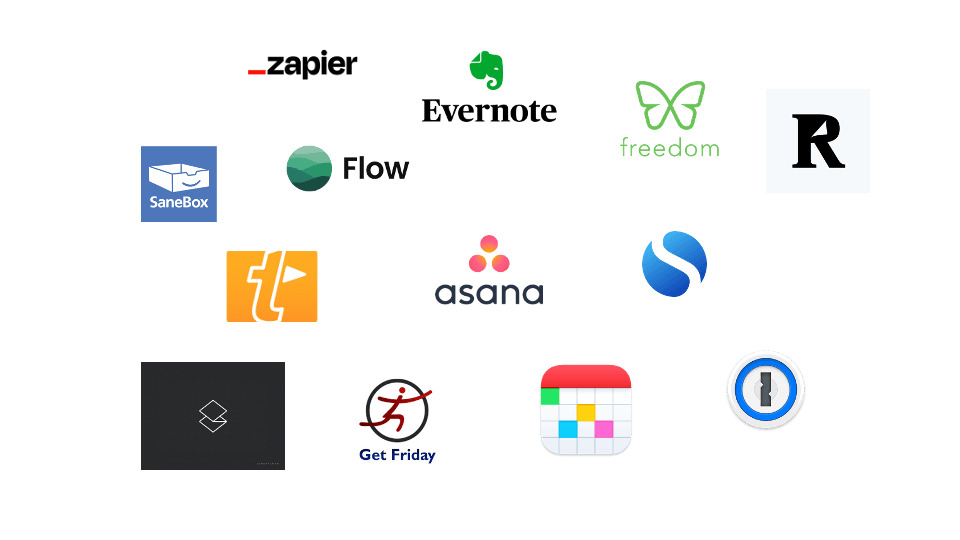
These apps are the bedrock of my productivity system.
1. Asana
Asana is my life operating system. This is where I capture every single task – no matter how big or small. This is where I ‘prioritise’ and plan my days and weeks. I have set up all my ‘areas of life’, personal projects, client projects and contexts in Asana.
I also have various Zapier automations connected to Asana that work seamlessly with all the other apps I use.
2. Evernote
Evernote is my information dump and digitised paper library. Any physical piece of paper with an action or important information goes into Evernote. I scan documents, bills, IDs, paper statements, business cards etc. and dump them in Evernote.
I also use Evernote to bookmark any interesting websites or actionable information I come across online.
If there is any action associated with any of these it goes into a specific notebook in Evernote that triggers a Zapier automation and adds it to Asana.
3. Fantastical
Fantastical is the best cross-platform, multi-calendar and task-management app I have used. It has ‘natural text input’, and integrations with Zoom, Todoist and Teams and is already replacing Calendly for me with its scheduling features.
4. Zapier
Zapier connects apps by automatically moving data from one app to another. It is the glue that sticks my workflow together. I use Zapier to connect Asana to Evernote and my various calendars to keep track of all my commitments and actions in one place.
5. Freedom
The world’s most powerful productivity hack is ‘aeroplane mode’. But now that aeroplanes have wifi, your next best bet is Freedom.
I use Freedom to block out social media sites and apps for me every day from 10pm at night to 5pm the next day.
This way I make sure I can’t doom scroll late into the night, and I can start my day productively without getting sidetracked by social media.
6. Sanebox
I am a big believer in the power of Inbox Zero.
Sanebox makes getting to Inbox Zero much easier by automatically moving all ‘non-actionable’ emails such as notifications, newsletters, and transactional emails out of my inbox into relevant folders.
7. Textexpander
For anything repetitive that I have to type such as addresses, emails, phone numbers, directions to my house, driving licence numbers, passport numbers, standard email replies etc., I’ve a short 3-4character text string in Textexpander. I just type the abbreviation and it automatically expands the text, saving me time and effort. Textexpander works across all my devices so the same strings are available on my computer and phone.
8. 1Password
1Password is one of the easiest cross-device, multi-platform password management tools – highly secure and convenient. It’s much safer than saving passwords in your browser or trying to remember 100s of passwords.
9. Readwise
I mostly read on Amazon’s Kindle and highlight anything useful or insightful. Readwise captures these highlights for me to review later in the Readwise app, and also dumps them into my Evernote account.
10. Simplenote
Simplenote is the lightest, fastest text note-taking app. I use it to draft all my emails and posts. I also use it as my daily journaling tool.
11. Superhuman
Superhuman is the fastest and cleanest email experience I’ve used. It helps me get through my inbox way faster and works offline. I find it way easier than using web-based email or even Outlook or Mac’s email client.
12. Flow
I am a big fan of using the Pomodoro technique to help me find some focus and get some deep work done during my typically busy days. I’ve tried a few Pomodoro timers and settled on Flow. It’s a minimalistic lightweight timer that helps me time and track my focus/flow time blocks.
13. GetFriday
This is not an app, but a Virtual Assistant (VA) agency based in Bangalore. If you can’t afford or don’t need a full-time assistant, GetFriday’s part-time VAs are a cost-effective and reliable solution. You can get VA packages starting from just 5 hours a month, and going up to dedicated full-time VAs.
I use my part-time VA for research, travel booking/ planning, making appointments, reservations etc.
I believe that a good productivity system should free you from being a slave to your to-do list and from working endless hours. Rather it should help you clarify your priorities, reclaim your focus and achieve more in less time.