
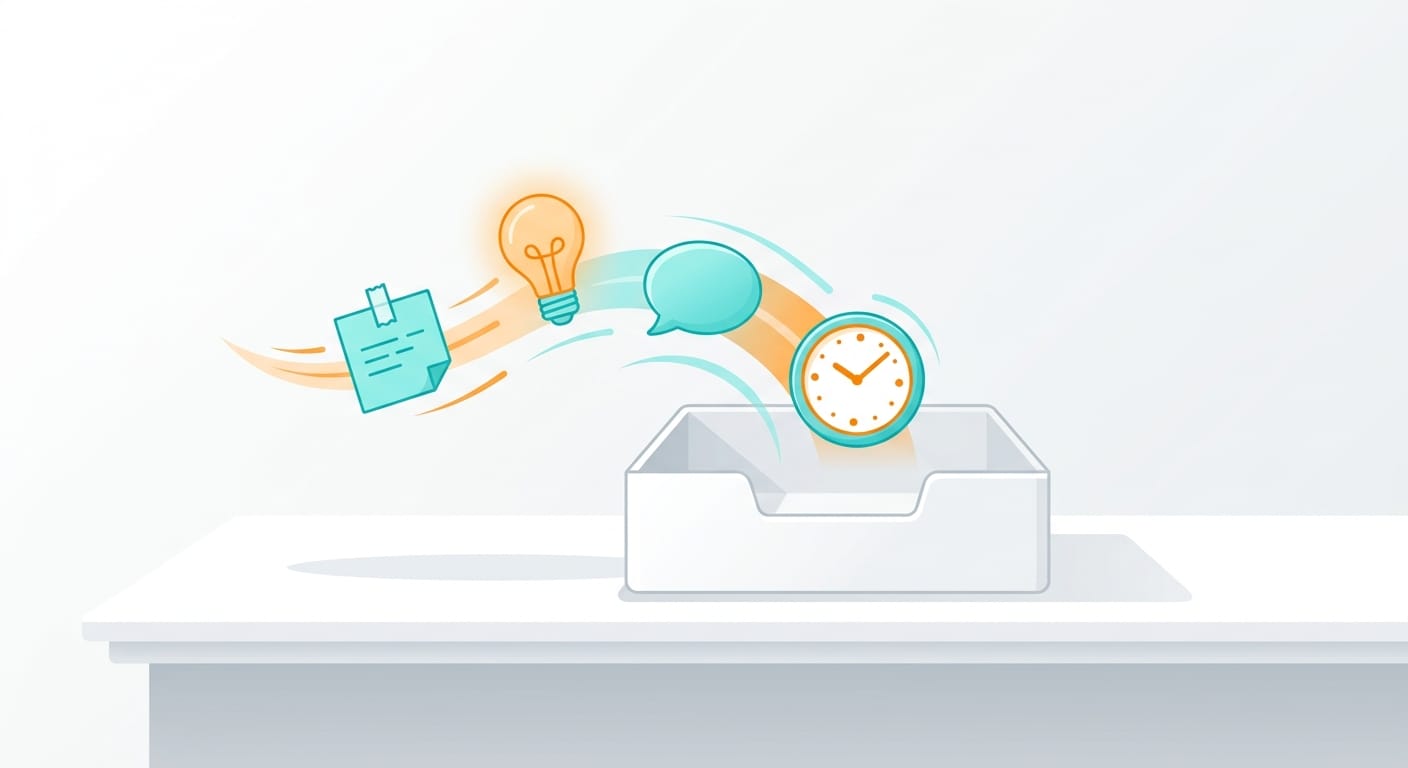
Business owners who are genuinely busy don’t lose things because they’re disorganised. They lose them because they’re using too many places to catch too many things. A task goes into the task manager. An idea goes into a notes app. Something someone said in a meeting stays in memory. A commitment made over email lives in the inbox. Each of those items is sitting in a different system, which means retrieving any one of them requires remembering which system you used when you put it there.
The universal capture habit is the NP System’s first prescription, and it’s the simplest one. Everything that enters your life — tasks, ideas, commitments, worries, things you want to remember — goes into one trusted capture tool before it goes anywhere else. One inbox. One collection point. The processing and sorting happen later.
The habit addresses the root problem that most productivity systems talk around: it’s not that you have too much going on. It’s that what you have going on is sitting in twelve different places, and your brain is working overtime trying to keep track of where everything lives.
Why one capture tool matters
David Allen, whose Getting Things Done framework sits underneath the NP System’s Capture phase, made the case that the mind keeps a live inventory of every unfinished task and uncommitted thought — and that it keeps refreshing that inventory whether you want it to or not. That’s the mental noise. It’s not anxiety about the work; it’s your brain doing housekeeping across a fragmented system.
When your capture system is fragmented, every open loop carries a retrieval problem with it. “Where did I put that?” is a low-grade tax on your attention that runs in the background all day. A single capture tool eliminates the retrieval problem. The item lands in one place. The only question is whether you’ve processed it yet, not where it ended up.
Research on cognitive load and knowledge work consistently shows that working memory is a bottleneck. The more it’s occupied with tracking where things are, the less it’s available for the actual work. The universal capture system offloads tracking to a trusted external system so your working memory can do the job it’s better suited to.
What “universal” actually means
The capture tool needs to work for everything. Not just work tasks. Not just the things you immediately know are important. Everything.
A client request. Something you want to tell your partner. A book someone recommended at dinner. An idea for a product feature you’re not sure about yet. A worry that surfaced at 7am before you were at your desk. All of these go in. The habit is: if it enters your awareness and you don’t want to lose it, it goes in the capture tool first.
Most business owners resist this initially, because it feels like the tool will fill up with noise. In practice, the opposite happens. The noise is already in your head. Moving it into the tool gets it out of your head. You can ignore it, process it later, or delete it — but it stops using up working memory the moment you write it down.
The practical test for a capture tool: adding an item takes less than fifteen seconds. If it takes longer, the tool is creating friction, and you’ll stop using it during the moments that matter most — the meeting, the walk, the conversation with your kids when you suddenly remember something you can’t afford to forget.
What goes in the capture tool — and what doesn’t
Everything goes in during capture. The filtering and processing happen later, during the NP System’s Process phase.
The capture tool isn’t where you organise. It isn’t where you decide what matters. It’s where you park things so your brain can stop managing them. The only decision at capture is: do I want to keep this or not? If yes, it goes in. That’s the full decision at this stage.
What happens during processing: tasks become next actions, ideas become projects or someday/maybe items, reference material gets filed, and things that didn’t survive the second look get deleted. Mixing that sorting into capture is what makes capture feel heavy and causes most people to stop doing it. The two phases need to be kept separate.
Choosing the right capture tool
The tool question is less important than the habit question. But a few constraints narrow down the choice considerably.
It needs to be with you at all times, which makes your phone the default capture device for most business owners. It needs zero login friction — anything that requires unlocking an app, navigating to a specific view, and then opening a new item before you can add anything will fail when you’re mid-conversation or mid-commute. And it needs to sync, so what you add on your phone is there when you’re back at your desk.
The NP System uses Asana as the primary capture tool because it’s already where projects and tasks live. An item captured into the Asana inbox doesn’t need to move to another tool when you process it — it’s already in the right system. One tool, one trusted location, no transfer step.
Three things that don’t work as capture tools:
- Email inboxes — too many competing inputs; a task you email yourself disappears behind incoming mail within hours
- Chat and messaging tools — items get buried in conversation threads with no reliable way to surface them later
- Memory — not a system; it’s what you’re using when you don’t have one
A physical notebook is a valid capture tool for anyone who finds digital entry too slow or too distracting. The constraint is that it needs a companion processing habit that converts paper captures into the digital system. Without that, the notebook becomes a graveyard for ideas that never went anywhere.
Building the habit
The capture habit is simple in principle and requires consistency in practice. Two things make it stick.
First, capture needs to become a reflex. Every time something enters your awareness that you don’t want to lose, the action is: open the tool and add it. Not later. Not when you’re back at your desk. Now. The delay between the thought and the capture is where open loops multiply. A thought that stays in your head for two hours while you finish a meeting is an open loop that’s been burning working memory the whole time.
Second, the capture tool needs to be processed regularly. If you capture and never process, the tool becomes a second inbox that makes you anxious every time you open it. The NP System’s Process phase — clearing the capture inbox and deciding what each item becomes — runs daily or every two days. The weekly review catches anything that accumulated and was missed.
Most business owners underestimate how much mental load they’re carrying from a fragmented capture system. The universal capture habit is the first thing the NP System addresses for that reason: until your capture system is trusted, nothing else in the system works at full capacity. A trusted capture system is the foundation that the rest of the productivity structure sits on.
How universal capture fits the wider NP System
The NP System runs in four phases: Capture, Process, Plan, and Do. Universal capture is Habit 1 in the Capture phase, and it’s the enabling condition for everything that follows.
Process can’t work without a reliable capture system to process. Plan can’t work if commitments and projects are scattered across tools. Do can’t work if your task list is incomplete because some of what you meant to track never made it into any system.
The brain dump is a related but distinct habit: a periodic clearing of everything in your head into the capture tool. It’s a weekly emergency valve, not a substitute for the daily capture reflex. The two habits work together, with the daily reflex preventing accumulation and the brain dump catching anything that slipped through.
If you want to understand how universal capture fits into the full Capture, Process, Plan, and Do structure, the free NP System course walks through each phase for business owners running multiple projects. Or take the productivity quiz to find out which phase is creating the most friction in your current setup.
