
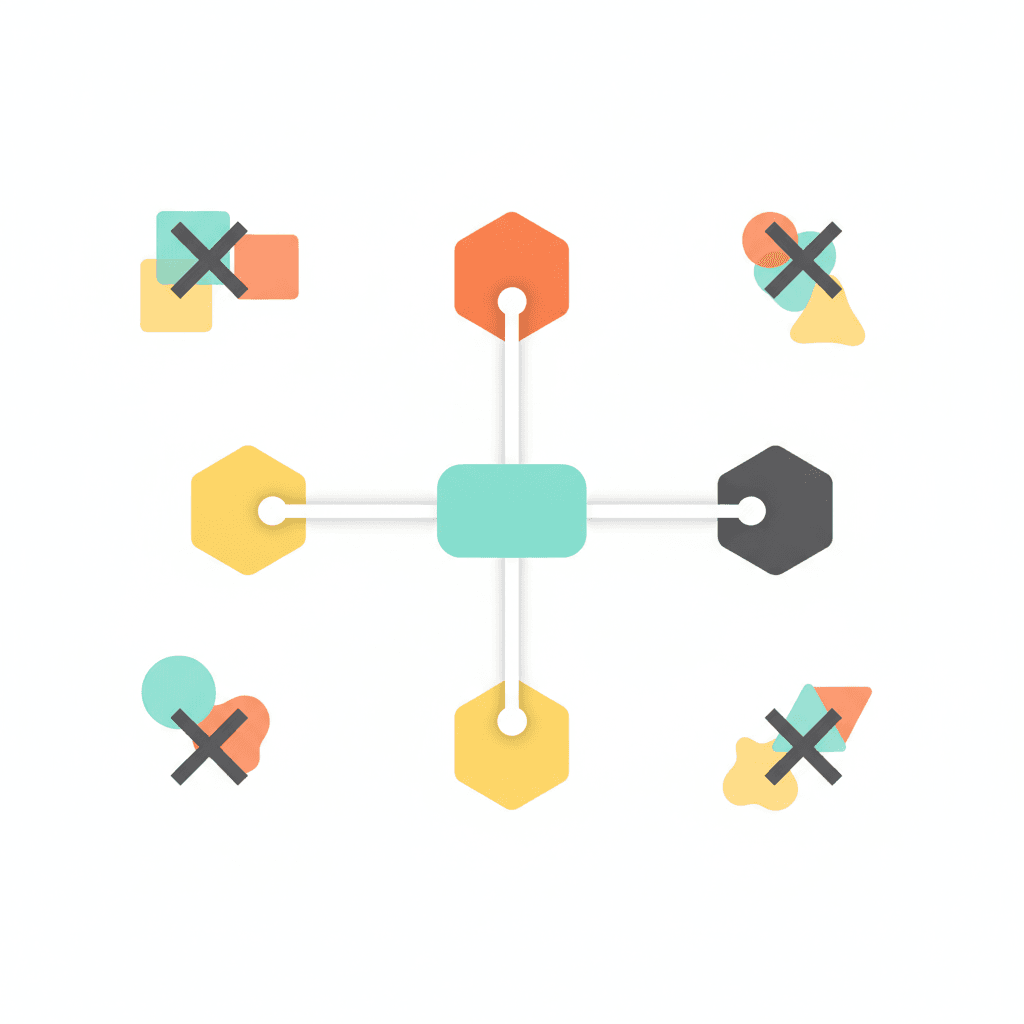
This week I retired a tool from my AI stack.
It was a browser-control plugin — something I had added months ago to give Claude the ability to open and interact with web pages. It worked most of the time. But it needed its own configuration, its own authentication, and its own maintenance window whenever the underlying API changed.
Then I found that Claude already handles browser interactions natively through a single flag. I switched, removed the plugin, and every agent that had depended on it kept working. The maintenance overhead dropped to zero.
That is what a lean AI workflow actually looks like: not fewer capabilities, but fewer points of failure. Most business owners build their AI setups the same way they build software stacks — by accumulation. A new tool for each new need, a wrapper around a wrapper, and eventually the stack itself becomes the work.
Here is how to audit it, prune it, and build on clean primitives that hold.
Why AI Tool Stacks Grow by Accumulation (and Why That Is a Problem)
The first time you want Claude to access your calendar, you find a plugin. The first time you want it to check your inbox, you add an integration. The first time you want to search the web from within Claude, you install another tool.
Each addition is rational. The accumulated stack, over time, is not.
Accumulated AI stacks have a specific failure mode: they break at the seams. It is rarely the core model that fails — it is the connector that stopped being maintained, the authentication token that expired, the wrapper that conflicts with a new native capability. You spend an afternoon debugging a tool you added in ten minutes four months ago.
The compounding problem is cognitive overhead. Every tool in your stack is a configuration you have to carry in your head. When you build a new workflow, you have to remember which tools are available, which versions work together, and which combinations are known to cause problems. Most people underestimate this cost until something breaks on a day they can least afford it.
A lean stack removes all of that. You build on a small set of reliable primitives, and every new workflow inherits the same clean foundation. Understanding why AI works better on top of a system is the starting point — the tool stack is what the system actually runs on.
The Five Categories to Audit
Before you prune anything, you need an inventory. Most people have no idea what is actually running in their AI stack — they know the tools they use every day, but not the integrations they added once and forgot about.
Group everything by function:
1. Browser and web access
Anything that lets Claude open URLs, interact with web pages, or extract content from the internet. This category has the highest rate of redundancy because native browser capabilities have expanded significantly in the past twelve months.
2. Email and calendar
Integrations that give Claude read or write access to your inbox, your meetings, or your contacts. Check whether these are official integrations from the service provider or unofficial wrappers — the distinction matters for reliability and security.
3. Search and retrieval
Tools that run web searches from within Claude, including any retrieval-augmented generation setups. If you are running more than one search tool, you almost certainly have redundancy you can collapse.
4. Memory and context
Anything that stores information between sessions: context files, project files, vector databases, or note-taking integrations. A well-written Claude context file handles most of what business owners reach for a memory plugin to solve — and it is far more reliable because it has no moving parts.
5. Execution and automation
Tools that let Claude take actions: post to social media, update a spreadsheet, trigger a webhook, run a script. This category tends to be the most tool-dense, and the most prone to configuration drift.
List every tool in each category. For each one, answer two questions: what does it do, and does Claude have a native way to do the same thing?
How to Run the Pruning Pass
Once you have the inventory, the pruning pass is straightforward. This is the exact sequence I use:
Check for native replacements first. For each tool, verify whether a native Claude capability, a built-in CLI flag, or a well-maintained official integration covers the same function. Native always wins over wrapper — it has no extra auth layer, no separate maintenance cycle, and no version conflicts.
Assess maintenance health for the rest. For any tool without a native replacement, check when it was last maintained. A plugin that has not been updated in six months is a liability sitting in your stack, waiting for something to break against it.
Document what you keep. For every tool you decide to retain, write down what it does, where its configuration lives, and what breaks if it goes offline. This takes three minutes and prevents a maintenance crisis from becoming a debugging afternoon.
Shadow-run before you decommission. Before removing any tool, build the same workflow without it and run both versions on the same input. Compare the outputs. Retire the tool only when the leaner version produces equivalent results — this is the same principle behind autonomous task briefs with a built-in verification step.
Set a quarterly audit date. Native capabilities ship fast. Something that required a plugin six months ago may be built in now. The quarterly audit is what keeps the stack lean over time, not just once.
What to Do With the Tools You Retire
Retiring a tool is not the same as deleting it immediately. Before you remove anything from your stack, take three steps:
Write down the replacement. Document which native capability or alternative now covers that function. This prevents you from reinstalling the same tool in six months because you forgot why you removed it.
Check for dependencies. Some workflows reference specific tools by name or by ID. If you have an agent that calls a particular plugin, update the agent before you decommission the plugin. Find these references now — they will surface as errors if you find them later.
Archive before you delete. Keep the configuration file for at least 30 days after decommissioning. If something breaks that you did not expect, you need the ability to roll back quickly. After 30 days with no incidents, delete cleanly.
Building New Workflows on Clean Primitives
The real benefit of a lean stack is not what you remove — it is what you build next, and how quickly.
When every new workflow starts from the same primitives, you get reliability and speed. Reliability, because the tools under your workflows have been tested together and are known to work. Speed, because you are not starting from scratch — you know exactly what you have available.
This is why the CLAUDE.md and actions.md setup is so effective for business owners: it turns Claude’s context into a persistent layer that every session inherits. The context file is the stable primitive; the actions list is the job queue. Together, they mean every agent you run starts already briefed.
The same principle applies across your whole AI workflow. Using Claude for business effectively starts with giving it the right foundation — and the right foundation means a clean, standardised stack rather than a tangle of integrations each doing a slightly different version of the same job.
The goal is not the minimum number of tools. It is the minimum number of tools that cover your actual requirements, each doing exactly one job, on a foundation you understand well enough to build on quickly. That is where giving Claude clear jobs rather than open questions begins to compound — because the job briefing becomes reliable when the underlying tools are consistent.
The Practical Starting Point
If you have never audited your AI tool stack, the first run will take about an hour. Here is a simplified sequence to start this week:
Open your AI tool settings and list everything installed. Group it into the five categories above. For each tool, note whether it has a native replacement and when it was last updated. Flag any tool that fails either check. Run a shadow pass on one flagged tool before removing it. Set a calendar reminder for the quarterly repeat.
That first pass will almost always surface at least one redundancy — usually in browser access or memory — that you can collapse immediately. The stack gets smaller. The next workflow you build gets faster.
FAQ: AI Workflow for Business
The Cleanest Stack Is the One That Runs Without You
Most AI tool stacks accumulate gradually, one reasonable addition at a time. The audit exists to make the accumulation visible — and to replace it with a foundation you can build on confidently.
Audit what you have, group it by function, check for native replacements, and retire everything that fails the maintenance health check. Run a shadow pass before removing anything. Set a quarterly reminder to repeat.
You end up with a stack that is smaller, more reliable, and faster to build on — which means every agent you run next is less likely to fail and quicker to build.
If you want a framework for understanding how your AI workflow connects to your business growth inputs and outputs, the free NP System course covers exactly this — how to structure your system so the AI layer has something coherent to work from. The course is free and covers all four phases: Capture, Process, Plan, and Do.
