
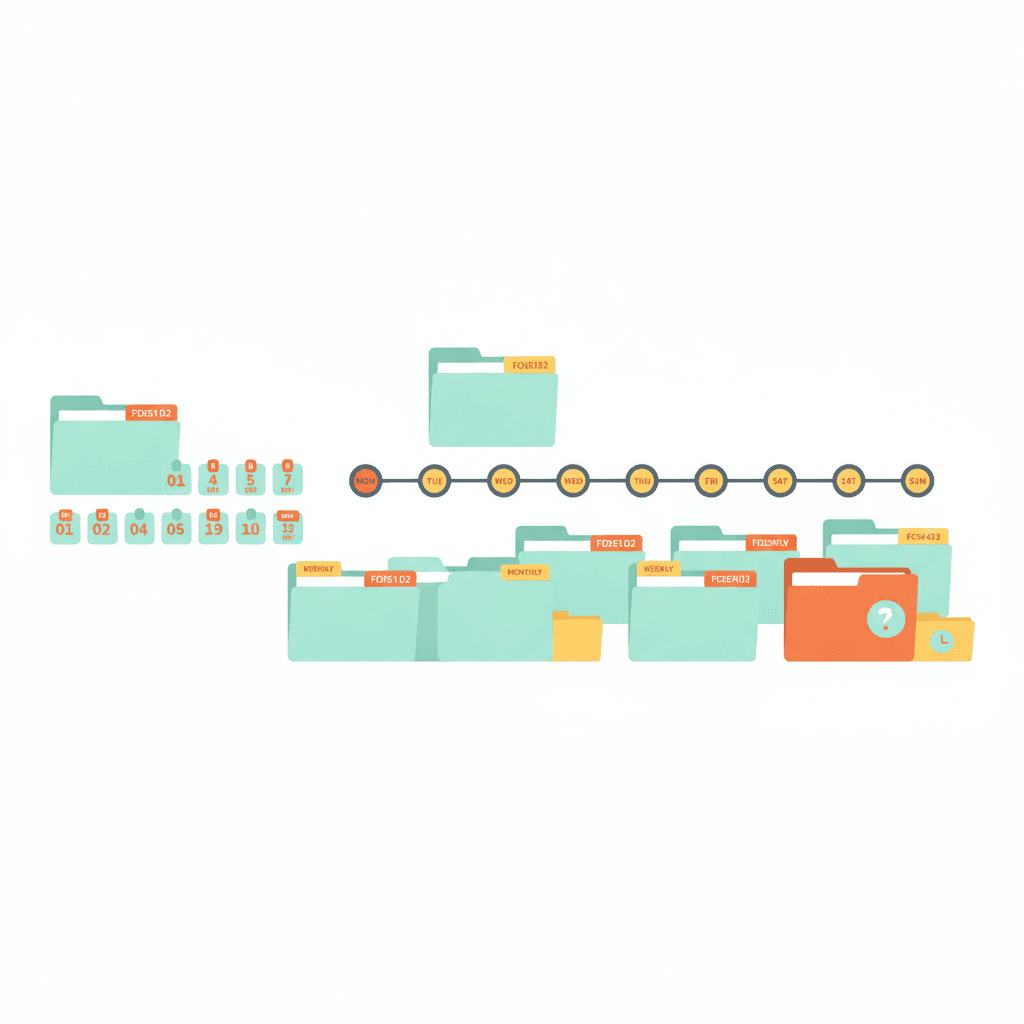
The GTD tickler file is a 43-folder system — 31 daily folders and 12 monthly folders — that holds items until the exact date you need them. When you open the day’s folder, you find whatever you filed there in advance: a meeting prep note, a renewal reminder, a document that needs reviewing. It’s one of the practical tools in David Allen’s Getting Things Done framework, and one of the most frequently skipped.
Business owners often dismiss it as a relic of paper-based systems, then spend months chasing reminders through overloaded inboxes. The tickler file solves a specific problem — surfacing the right material at the right time — that no calendar or to-do list quite handles.
Why the calendar doesn’t do this
A calendar holds appointments and time-specific commitments. A to-do list holds actions. The tickler file holds material that needs to surface on a specific date — not so you can act on it immediately, but so you have it in hand when the moment arrives.
The difference matters in practice. A reminder to prepare for a quarterly review goes on your calendar. The background notes, last quarter’s figures, and the agenda template belong in the tickler file, filed two days before the meeting. When you open that day’s folder, everything you need is already there.
This is the use case the tickler file was designed for: closing the gap between “I’ll need this later” and “I have everything I need right now.”
How the 43-folder system works
The system uses 43 folders: 31 labelled by day (1 through 31) and 12 labelled by month (January through December).
You start with the current date’s folder open in front of you. When you file something for a future date within the current month, it goes in the corresponding daily folder. When you file something for a future month, it goes in that month’s folder. At the start of each new month, you open the monthly folder, distribute its contents into the relevant daily folders, and move the empty monthly folder to the back of the rotation.
Every morning, you open that day’s folder and process whatever’s there — acting on items, filing them forward to a new date, or adding them to your next actions list.
What to put in the tickler
The tickler file works best for a specific category of items: material that has a time dimension but doesn’t need immediate action. That includes:
- Meeting prep notes, agendas, or reference documents you’ll need on a specific date
- Contract renewals, subscription reviews, or recurring decisions that happen on a schedule
- Follow-up actions deferred to a specific date — anything with a fixed trigger that isn’t a calendar event
- Travel documents, tickets, or access credentials for a future event
- Background material you’re not ready to process yet but will need in a defined window
The test is simple: does this item need to surface on a specific date? If yes, it belongs in the tickler. If there’s no fixed date, it belongs in a reference file or your someday/maybe list.
Digital tickler files
David Allen designed the system around physical file folders, but the same structure works digitally. Most task managers handle it well enough.
The simplest approach: create a folder or project labelled “Tickler” with dated sub-folders or notes. In Asana or Todoist, a task with a due date and an attachment serves the same function as a physical folder. In Notion or Obsidian, a dated page with file links does the same job.
What makes it work is the daily habit of opening that day’s folder first. Without the daily review, the tickler becomes a digital filing cabinet where things go to be forgotten. The structure isn’t the system — the habit is.
How it connects to the rest of GTD
The tickler file fits into the GTD processing workflow. When you clear your inbox and encounter something you can’t act on now but will need later, the tickler file is one of four possible homes:
- Do it now if it takes under two minutes
- Delegate it and track it on your Waiting For list
- File it for reference in your reference system
- File it for a future date in the tickler
This is what makes GTD comprehensive: every item has a home, and nothing falls through the gap. The tickler file closes the loop on date-triggered material that doesn’t fit neatly into a calendar event or an action on a context list.
During your weekly review, it’s worth scanning one to two weeks ahead in the tickler to check whether anything is about to surface that needs preparation time you haven’t yet allocated.
Integrating the tickler file into the NP System
The NP System builds on GTD’s structure and adds a weekly planning layer that makes the tickler practical for owner-operators running multiple projects at once.
During the weekly review, the NP System sweeps the tickler alongside open loops, stalled projects, and decisions waiting on others. Anything surfacing in the next week that needs preparation becomes a candidate for that week’s Rocks and MITs — the highest-priority tasks for the coming week.
Most owner-operators running three to five active projects carry six to fifteen items in the tickler at any given time. If the number is growing past thirty, it’s usually a sign that items are being filed forward repeatedly rather than actually processed. Each time the same item resurfaces, the question is worth asking: is this genuinely time-triggered, or is it something I’m putting off?
The bottom line
The GTD tickler file solves a narrow but genuinely frustrating problem: you have something that matters, it doesn’t need action right now, but you need it to appear at the right moment without having to remember it. A calendar reminder gets you to the moment — the tickler file gets you there with everything already in hand.
It takes about ten minutes to set up, digitally or physically. After that, the daily habit of opening that day’s folder is the whole system.
If you want a framework for the full structure around it, the free NP System course covers how Capture, Process, Plan, and Do work together for business owners running multiple projects. Or take the productivity quiz to find out which part of your current system is creating the most friction.
