
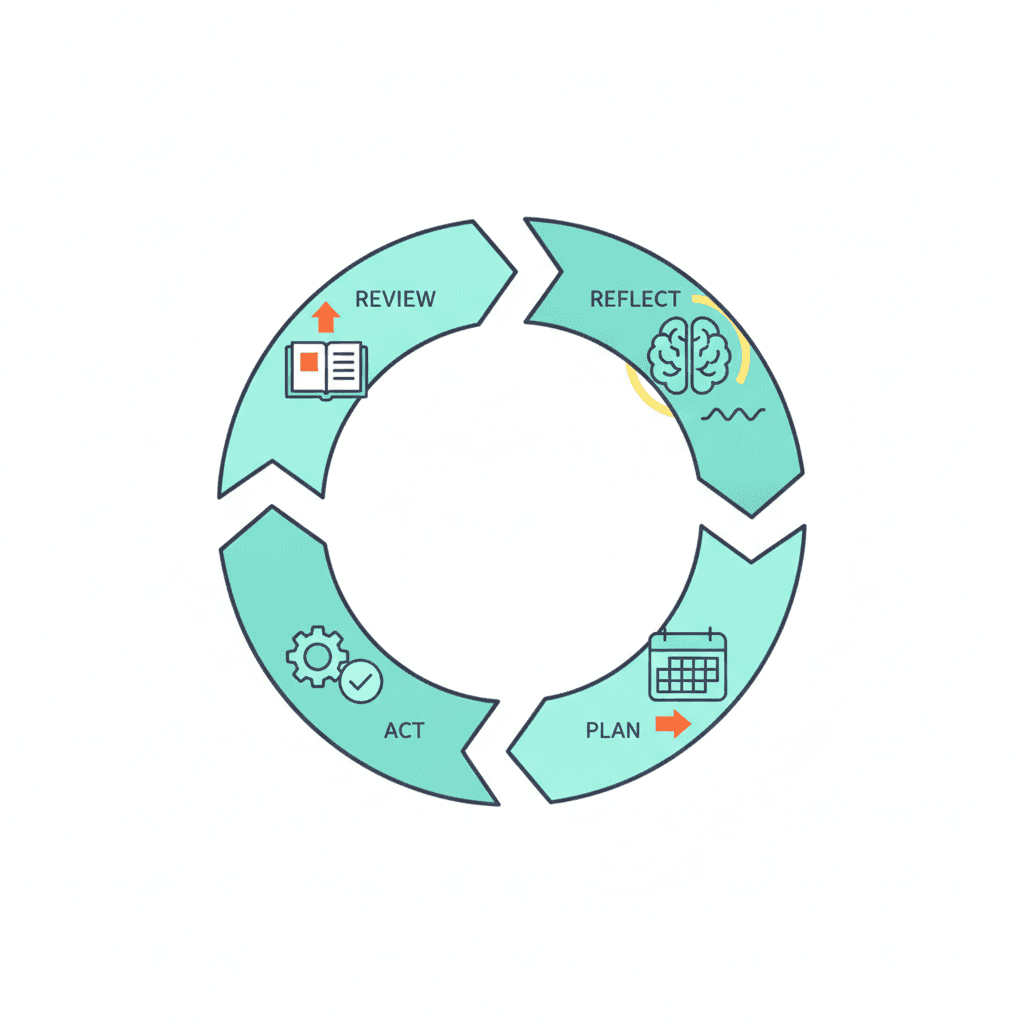
The GTD system is elegant in theory. Capture everything. Process it. Organise it. Review it. Do it. David Allen mapped it out in Getting Things Done in 2001, and the core logic still holds.
But most people who try GTD hit the same problem six to eight weeks in. Their inboxes refill. Their project lists drift. The context lists they built carefully in week one have become a graveyard of tasks they have never looked at again.
The system has not broken. The weekly review has simply stopped.
The GTD weekly review is the mechanism that keeps everything else working. It is a scheduled, structured pass through your whole system — your inboxes, your projects, your commitments, your calendar — that resets your clarity and brings your lists current. Without it, the system drifts. With it, it compounds.
This post covers the 6-step GTD weekly review protocol, how long it actually takes, and how to integrate it into a working week without losing a day to process.
What Is the GTD Weekly Review?
David Allen describes the weekly review as the time you “get clear, get current, and get creative.” It is not a long planning session. It is a structured check-in — a regular audit of everything in flight, so nothing falls through and nothing clogs your attention during the rest of the week.
The reason it matters: most productivity problems are not caused by poor execution. They are caused by accumulating open loops — tasks, commitments, and half-formed ideas that are technically captured but never properly resolved. The overwhelm most business owners feel is not about volume. It is the cognitive load of unresolved commitments sitting in the background of every hour. The weekly review is how you resolve them.
Understanding how GTD differs from other productivity systems makes the weekly review’s role clearer: GTD is not a capture tool or a note-taking system. It is a completion system. The weekly review is what keeps the completion cycle turning.
How Long the GTD Weekly Review Takes
A proper weekly review takes between 60 and 90 minutes. That sounds like a lot until you compare it against the cost of a week spent managing drift: double-handling tasks, missing commitments, and spending mental energy tracking things that should already be in a list.
The 60-to-90-minute range shrinks once the habit is established. Most experienced GTD practitioners run their review in 45 to 60 minutes once the system is clean and the inputs are manageable.
Schedule it on the same day and time each week. Friday afternoon works for most business owners — the week’s work is largely done, and you enter the weekend with a clear head. Monday morning is the alternative if you prefer to start the week planned rather than end it resolved.
The 6-Step GTD Weekly Review Protocol
Step 1: Collect Everything Loose
Before you can review anything, every open input needs to be captured. Notebooks, sticky notes, voice memos, browser tabs, email drafts, the three things you promised in calls this week but have not yet written down — all of it goes into your capture system. This is the brain dump that precedes any real review.
The goal of this step is a single, trusted inbox. Nothing left floating in your head or scattered across surfaces.
Step 2: Process Every Inbox to Zero
Work through each inbox — email, physical tray, task manager, notes app — and process every item using the 5 Ds framework: Do it if it takes less than two minutes. Defer it to a specific date. Delegate it with context and a deadline. Drop it entirely. Or Diary it to the someday/maybe list for future review.
Nothing gets left in the inbox undecided. Every item gets a destination.
Step 3: Review Your Project List
Pull up every active project — every outcome that requires more than one action to complete — and ask one question: does this project have a defined next action assigned to it?
A project without a next action is stuck. It may feel managed because it sits on a list, but it will not move until someone decides what to do next. This step finds those stuck projects and assigns them a concrete next action before the week begins. GTD context lists are where those next actions land — organised by where and how you can do them, not by project.
Step 4: Review Your Calendar — Past and Future
Look back at the last two weeks. Any commitments made, meetings held, or actions promised that have not yet been captured or processed? Collect them now.
Then look forward at the next two weeks. Any preparation needed for what is coming? Any commitments on the calendar that require something from you before the day arrives? These become new next actions, assigned today.
Step 5: Review Your Someday/Maybe List
The someday/maybe list is where ideas and aspirations go when they are real but not yet timely. The weekly review is the moment to look at it honestly: has anything on this list become a live project? Has anything expired or lost its relevance?
Most business owners build a someday/maybe list and never open it again. That turns it into a guilt archive rather than a useful holding space. A quick pass each week keeps it alive and credible as a source of future work.
Step 6: Set the Week’s Three Rocks
With your system current and your lists clean, set the three things that would make this week a success regardless of what else happens. These are your rocks — the high-leverage commitments that move something important forward, not just the urgent things that will demand your attention anyway.
Three is the right number. More than three and you are planning aspiration, not execution.
How Claude Accelerates the GTD Weekly Review
The review process is structured enough that it runs well with AI support. Give Claude access to the context of your week — your open projects, your outstanding commitments, the meetings on your calendar — and it can surface the gaps you are likely to miss, draft the weekly plan, and identify which projects are waiting on something you have not actioned.
The CLAUDE.md and actions.md setup makes this automatic: the weekly review starts with Claude reading the current actions list, flagging stuck projects, and surfacing the week’s three rocks before you have said a word. The context file holds the rules; the actions list holds the work. Both together is what turns an AI assistant into something closer to a project manager.
This is what the Claude AI productivity layer looks like in practice — not generating ideas on request, but holding the full picture and running the review protocol against it on a schedule.
The Weekly Review as a Compounding Habit
The GTD weekly review is not a task. It is the system’s heartbeat.
Skip it for two weeks and the inboxes fill. Skip it for a month and the project lists become unreliable. Skip it for a quarter and the system becomes something to manage rather than something that manages on your behalf.
Run it consistently and the compounding works in the other direction. Each review is cleaner than the last. Each week starts with a shorter list of open loops and a clearer sense of what the week is actually for. The difference between GTD and a less disciplined approach is precisely this: GTD requires active upkeep, and the weekly review is that upkeep done well.
If you run a general business weekly review alongside the GTD review, this structured 30-minute format covers the channel-level and goal-level view that GTD’s project-list review does not address. The two complement each other — the GTD review clears the system; the business weekly review steers it.
Getting Started with the GTD Weekly Review
If the full review feels daunting at first, start with 30 minutes. Process one inbox to zero. Review one project list. Set one rock for the week. Build the habit at a fraction of the full scope and extend it once it is reliable.
The NP System pairs the GTD weekly review with a planning structure built specifically for business owners — not office workers managing one job, but founders holding multiple projects, client relationships, and personal commitments at once. It collapses the full review into a repeatable format that takes about an hour and leaves you in control of the week rather than reacting to it.
The free NP System course covers it across 11 modules — the capture habit, the processing ritual, the planning structure, and the execution system that ties it together. If the weekly review is the part of GTD you keep skipping, that is usually the place to start.
Frequently Asked Questions
How often should you do a GTD weekly review? Once a week, on a fixed day and time. Consistency matters more than duration — a 45-minute review every Friday is more valuable than a two-hour review every three weeks.
What is the difference between a GTD weekly review and a daily review? The daily review is a quick check of your calendar and next-action lists for the day ahead — 5 to 10 minutes. The weekly review is a full pass through the entire system: all inboxes, all projects, the someday/maybe list, and the forward calendar. Both serve different purposes and both are worth running.
Can you do a GTD weekly review without a task manager? Yes. The review protocol works with paper, a spreadsheet, or any notes app. The tool is less important than the habit of reviewing every project list and every inbox once a week without exception.
What happens if you skip a GTD weekly review? The system begins to drift. Inboxes accumulate, project lists go stale, and commitments start slipping through. One missed review is recoverable. A pattern of skipping it usually signals the system needs simplifying — fewer projects or a shorter review format — rather than more discipline.
How does the GTD weekly review differ from a Second Brain review? A Second Brain review is typically a monthly or quarterly pass through your notes and saved content — a maintenance cycle for your knowledge base. The GTD weekly review is a weekly pass through your commitments — your projects, your next actions, your calendar. The two systems have different rhythms and different goals, which is why some people run both.
Business owners often adapt the weekly review to their context — the weekly review for business owners guide covers how to apply this protocol when your week includes client calls, team management, and revenue decisions alongside personal task management.
For further reading, see the guide on the GTD someday/maybe list.
