
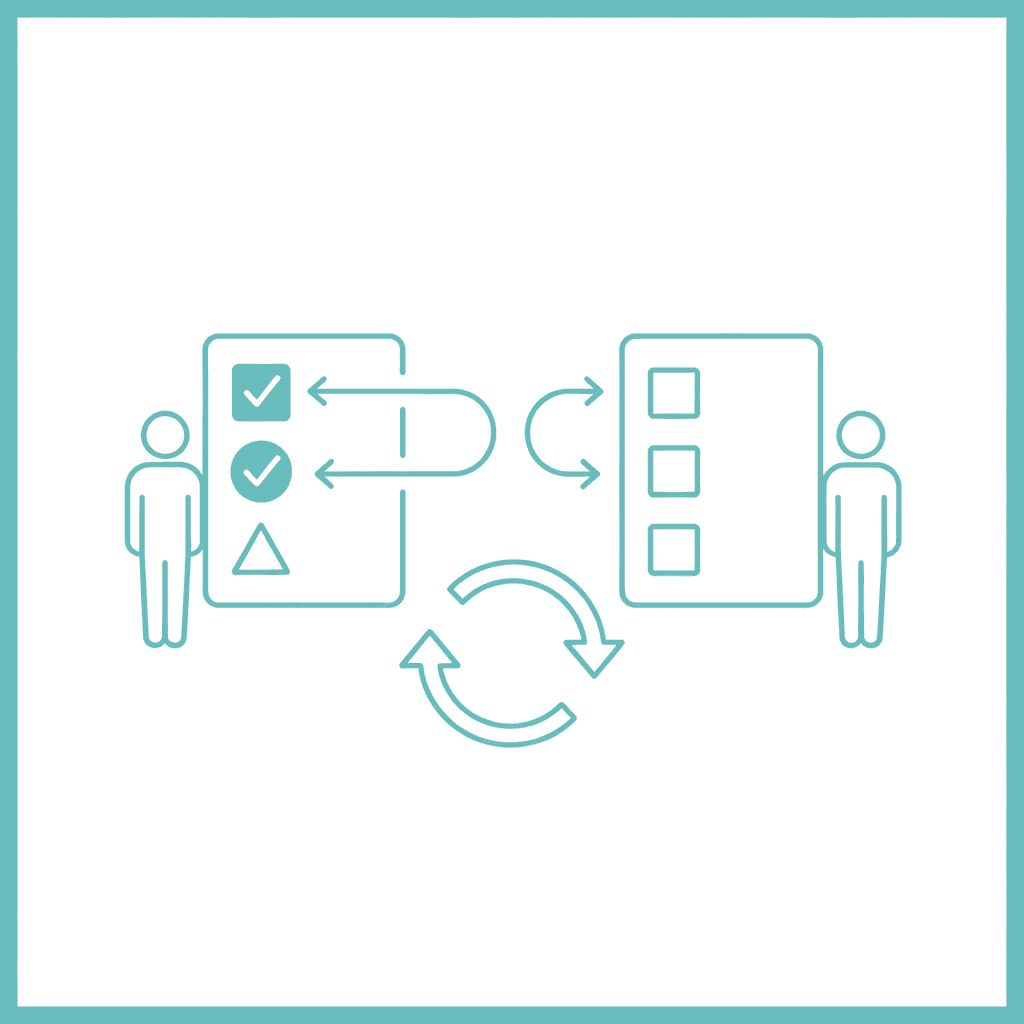
The GTD Waiting For list is a dedicated capture point for every task you’ve handed off or are expecting from someone else. Instead of keeping those dependencies in your head — or buried in an email thread — the Waiting For list makes them visible, reviewable, and actionable. It’s one of the five core lists in David Allen’s Getting Things Done framework.
Most productivity systems teach you how to manage your own work. The Waiting For list manages your handoffs.
Why business owners lose track of delegated tasks
When you delegate a task, you mentally let it go. That’s the point. But without a system that keeps it in view, mentally letting go often means losing it entirely. You remember it three weeks later, on a client call, when it turns out nothing happened.
The problem isn’t that your team failed. The problem is that you had no way of knowing the task was stuck. You’d handed it off into the void.
A Waiting For list fixes this. Every handoff goes on the list the moment you make it. Every week, you scan the list and decide: has this moved? If not, what’s the follow-up?
This is how effective delegation actually works. The handoff is only half the job. Tracking the outcome is the other half.
What goes on the Waiting For list
Any task that’s moved off your plate but hasn’t closed yet belongs here. That includes:
- Tasks you’ve delegated to a team member, contractor, or agency
- Requests you’ve sent to a supplier, platform, or service
- Decisions you’re waiting on from a client or partner
- Automated processes that need verification — an order, a payment, a form submission
- Follow-up emails you’ve sent and haven’t heard back from
The common thread is that the next action isn’t yours to take — but the outcome still matters to you. The Waiting For list is the container that keeps those outcomes visible without cluttering your own action lists.
Each entry should include: the specific deliverable (not just a name), who you delegated to or which system you’re waiting on, the date you sent it, and what your next action is once it arrives. That last point matters. When the deliverable lands, you don’t want to reconstruct the context from memory two weeks later.
How to review the Waiting For list
The Waiting For list is a weekly review tool, not a daily one. Once a week — during your GTD weekly review or your weekly planning session — you scan every entry and ask two questions:
- Has this moved?
- If not, do I need to follow up now, or is it still fine to wait?
For anything stalled, you generate a next action: send a chaser, book a call, or escalate. For anything completed, you close the entry and process whatever it produced.
This is where most people go wrong. They build the list but skip the review. Without the weekly scan, the Waiting For list becomes a graveyard — entries sit there until they’re so old you can’t remember why they mattered. The list works because the review gives it teeth.
How it connects to your projects and context lists
In GTD, every active project has a desired outcome and a next action. When a project’s next action depends on someone else, that action moves off your own next actions list and onto the Waiting For list.
This keeps your context lists clean. You’re not staring at tasks you can’t actually do today because they depend on someone else sending you the figures. The Waiting For list holds them separately, and the weekly review brings them back to the surface when it’s time to chase or close.
An owner-operator running three to five active projects typically carries six to fifteen entries on the Waiting For list at any given time. If you have fifty entries, you’re not delegating — you’re abdicating. If you have zero, you’re probably doing too much yourself.
Integrating the Waiting For list into the NP System
The NP System builds on GTD’s core structure and adds a weekly planning layer that makes the Waiting For list practical for owner-operators running multiple projects simultaneously.
During the weekly review, the NP System runs the Waiting For list as part of a broader sweep: open loops, stalled projects, and decisions waiting on others. The review produces a small set of follow-up actions that go directly onto that week’s Rocks and MITs — the highest-priority tasks for the coming week.
When a handoff has been stalled for more than two weeks without movement, it’s a signal worth investigating. Either the task wasn’t clearly defined, the right person doesn’t have what they need, or the task has changed and the original handoff is now wrong. The Waiting For list surfaces this before it becomes a crisis.
A simple Waiting For list in practice
You don’t need a separate app. The Waiting For list works in any task manager that supports tagging or context views — Asana, Notion, Todoist, or a plaintext file. The structure is the same in every case.
Each entry needs four fields: the specific deliverable, the person or system it depends on, the date you sent it, and what happens next when it arrives. That’s it. Review it once a week. Act on anything stalled. Close anything done.
The list is small by design. If it’s growing past twenty entries, the problem isn’t the list — it’s the delegation clarity or the follow-up cadence. The Waiting For list will make that visible, which is exactly what it’s supposed to do.
The bottom line
The Waiting For list is one of the smallest changes in a productivity system with one of the largest practical returns for business owners. It takes five minutes to set up and five minutes to review each week. What it gives you is clarity on every handoff you’ve made — and a standing reason to follow up when something is stuck.
If you want a full framework for building the system around it, the free NP System course covers the Capture, Process, Plan, and Do phases — including how the Waiting For list fits into a weekly rhythm that works at scale.
Or take the productivity quiz to find out which part of your current system is creating the most noise.
