
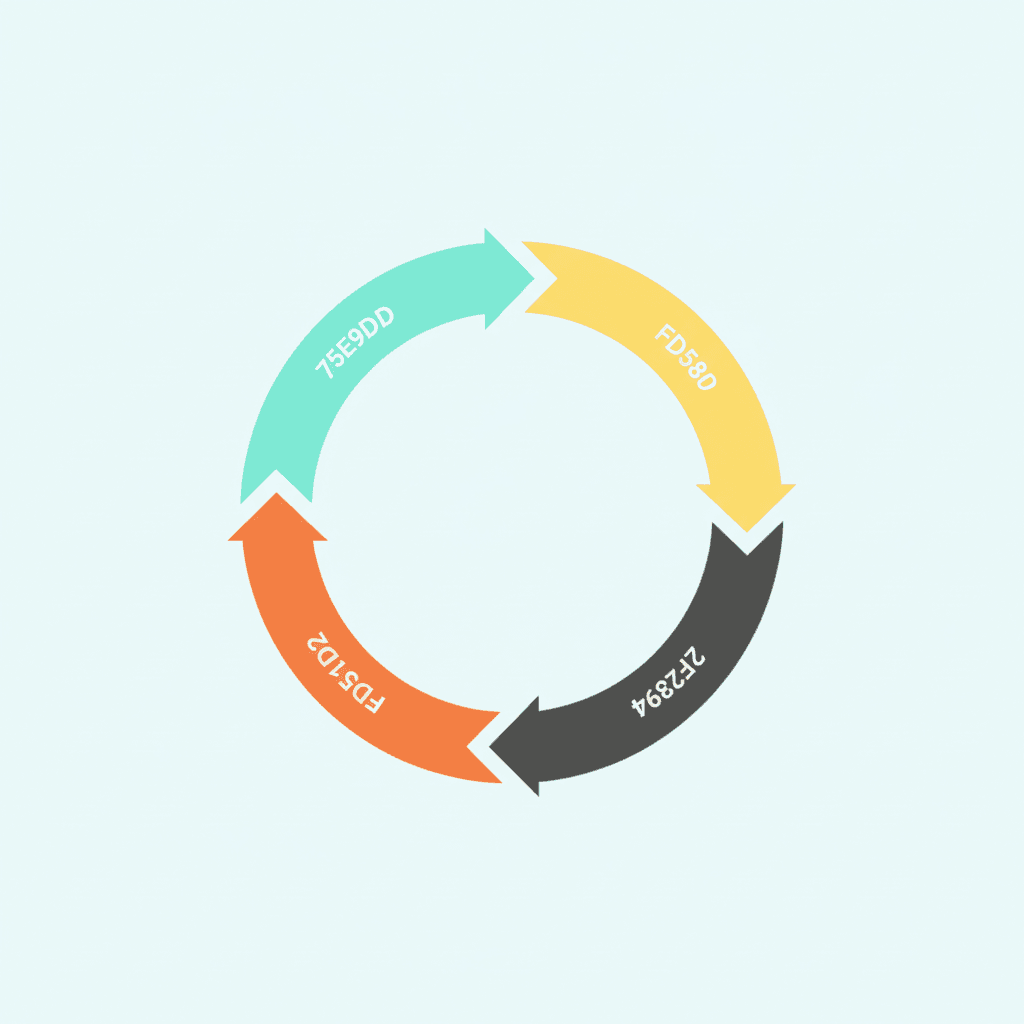
A productivity system for entrepreneurs is a structured set of habits and processes that converts the chaos of running a business into a repeatable daily operating rhythm. Unlike a to-do list or a calendar, it connects the work you need to do each day to the outcomes you are working toward over months, and holds together even when the day does not go to plan.
The challenge for entrepreneurs is that most productivity advice was designed for employees. Employees have structure handed to them — fixed hours, defined roles, regular meetings. Entrepreneurs have none of that. Without a deliberate system, the default is reactive: handling whatever arrives first rather than progressing what matters most. This is the defining experience of the overwhelmed business owner — not a lack of effort, but a lack of architecture.
Why a To-Do List Is Not a Productivity System
A to-do list collects tasks. A productivity system decides which tasks deserve to be done, when, and in what order — and filters out the rest. The distinction matters because business owners typically carry between 50 and 100 open commitments at any moment. A to-do list puts all of them in front of you at once. A system makes only the relevant ones visible at the right time.
Most overwhelmed entrepreneurs are not disorganised by temperament. They are running a task list as if it were a system, which creates an entirely different experience of work — one where the urgent reliably crowds out the important and the most strategic work keeps slipping to next week.
The productivity framework for entrepreneurs that holds together under pressure is not a longer to-do list. It is a four-phase operating rhythm that tells you what to capture, how to decide, what to prioritise, and how to protect the time to do it.
The Four-Phase Framework: Capture, Process, Plan, Do
The Nerd Productivity System runs on four phases. Each phase builds on the one before it, and together they form a complete operating cycle that runs daily and resets weekly.
Phase 1: Capture
Capture everything that has your attention. Every task, idea, commitment, or concern goes into one trusted inbox — not scattered across email, a notebook, a voice memo app, and three different task tools. The goal is a completely empty head.
Open loops — things you have registered mentally but not written down — consume attention even when you are not actively thinking about them. David Allen’s original insight, which the NP System builds on, is that the mind is a poor place to store commitments. The brain dump is the primary capture tool: a full sweep of everything in your head into one place, done whenever the mental noise gets loud.
One capture system. One inbox. One daily habit of collecting everything into it. The rest of the system depends on this working.
Phase 2: Process
Once everything is captured, you process it. Processing is not doing — it is deciding. Each item in your inbox gets one of five decisions, known in the NP System as the 5 Ds of productivity: Do it now (if it takes fewer than two minutes), Defer it (schedule it for later in a project or task list), Delegate it (assign it to someone else), Delete it (if it is not relevant or not worth acting on), or Draft it (if it is an idea that needs more thinking before it becomes an action).
Processing converts a chaotic inbox into an organised set of projects and actions. It also creates a decision record: everything that came in has been looked at and assigned. Nothing sits in the inbox waiting and consuming attention.
Phase 3: Plan
Planning operates at two levels. The weekly level is where you set your Rocks — the one or two outcomes per major project that, if achieved this week, move the business forward in a meaningful way. The daily level is where you identify your Most Important Tasks (MITs): the specific actions that advance each Rock today.
The Rocks and MITs method is the planning engine that connects weekly ambition to daily action. Without it, the day fills with whatever feels urgent rather than what is actually strategic. With it, you have a clear answer every morning to the question “what is the most important thing I can do today?”
The planning phase also includes a decision framework for when new urgencies arrive during the day. The two-decision rule for task prioritisation asks first whether a new item is genuinely Q1 (a real consequence if it waits), and if it is, asks what it displaces from the existing plan. Making that trade-off explicit rather than unconscious is what keeps the MIT list from getting abandoned by mid-morning.
Phase 4: Do
Doing is the execution layer — the actual work. The system makes doing more effective in two ways. First, it ensures you are working on the right things (the outputs of the Plan phase). Second, it protects the conditions that allow focused work.
Single-tasking — working on one thing at a time until it is complete — is the core execution habit of the Do phase. Research by cognitive scientist Gloria Mark puts the cost of a context switch at around 23 minutes of recovery time. Business owners switch context dozens of times a day. The cost compounds invisibly.
Time-blocking is the scheduling method that makes single-tasking possible at scale. Instead of an open calendar with tasks listed separately, time blocks assign each type of work — deep focus, communications, administrative, planning — to a specific slot. Deep work goes first, before the day becomes reactive.
How to Install the System Phase by Phase
The most common mistake is trying to install all four phases simultaneously. Four phases, 15 habits, multiple tools — all in one weekend reset. The system collapses because the friction is too high and there is no established foundation to build on.
A more reliable installation sequence runs one phase per week.
Week one: Capture. Build one trusted inbox and the habit of writing everything into it. Do a full brain dump to clear the backlog. Nothing else changes this week.
Week two: Process. Add a daily processing pass — 15 to 20 minutes, inbox to zero, everything assigned by the 5 Ds. The inbox empties each day; deferred items land in projects, not in the back of your mind.
Week three: Plan. Add the weekly Rock-setting session (30 minutes on Sunday or Monday morning) and the daily MIT check (five minutes before opening the laptop). The week gets a direction before it starts.
Week four: Do. Add one protected time block for focused work at the start of the day. Keep it to 90 minutes initially. Protect it from meetings and notifications. The rest of the day can be reactive; this block is not.
By week four, all four phases are running. The habit load at each stage is small enough that each one has become automatic before the next is added. This is the installation sequence that sticks.
How Claude AI Fits Into a Productivity System for Entrepreneurs
Claude AI does not replace the system — it runs inside it. The context file (a CLAUDE.md document or equivalent) tells Claude what projects are active, what decisions have been made, what the current Rocks are, and what constraints apply. With that context loaded, Claude can draft, analyse, summarise, and execute without needing to be re-briefed every session.
The practical effect is that the system can execute tasks while you are in meetings, at school pickup, or doing something else. The operator that runs this blog, for instance, mines the previous day’s work, drafts content, and publishes posts autonomously — because the context file gives it everything it needs to act on the system’s behalf.
The system defines the context. Claude executes within it. That combination compresses the time required to do high-quality work — without adding another tool you have to manage manually.
Four Common Mistakes When Building an Entrepreneur Productivity System
Installing tools instead of habits. Notion, Asana, Todoist — these are capture and organise tools, not systems. The system is the daily habit of processing and planning. The tool is where it lives. Most entrepreneurs buy the tool and skip the habit, which produces an organised interface and no change in how the day runs.
Skipping the weekly review. Without a weekly reset, the Rock list goes stale and the MIT list loses its meaning. The weekly review is the mechanism that keeps the system calibrated to what actually matters this week, not what mattered three weeks ago when you last looked at your project list.
Treating every item as urgent. The overwhelmed entrepreneur defaults to Q1 (urgent and important) on almost everything. The system’s job is to reclassify most incoming items as Q3 or Q4, so that genuinely important strategic work gets time in the calendar every week — not just the crises.
Adding the AI layer before the system exists. Claude, ChatGPT, and other AI tools amplify whatever you give them. Feed them an unorganised list of priorities and they produce an unorganised volume of output. The system defines the context; the AI executes within it. The productivity gain from AI is directly proportional to the quality of the system it runs inside.
The System That Holds Together Under Pressure
The four-phase framework — Capture, Process, Plan, Do — is not complex. Each phase requires one or two habits, installed in sequence over four weeks. Once set up, the full system runs in under 45 minutes a day.
What it produces is a day that is structurally biased toward your most important work rather than whatever arrived most recently. The reactive noise does not disappear — but it no longer runs the day.
If you want to go deeper on the framework, the Nerd Productivity System free course walks through all four phases in full — the 15 habits, the tools, and the sequencing — at your own pace. It is the foundation before the AI layer, and it is free.
